Working manual
Staff, attendance and payroll
Clock in and out, see who is on shift, keep staff records and draft payroll.
You are reading the manual without signing in. It describes the screens staff use; opening them needs an account, and the access on that account decides which ones appear.
Clocking in and attendance
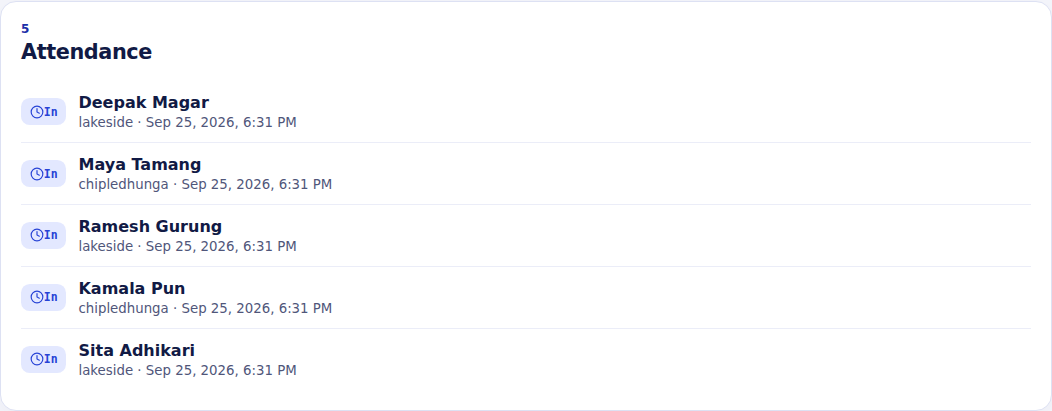
Every person clocks their own shift with Clock in in the top bar when they start and Clock out when they finish. The shift is recorded in the branch they are working in. Sapha does not let someone be clocked in twice, or in two branches at once.
Staff records and payroll
Workforce keeps an employment record for each person: name, job, department and monthly gross pay. The job here is a label for HR; what a person can do in Sapha comes from their role in Settings, not from this record. Draft payroll prepares a month's payroll from these records.
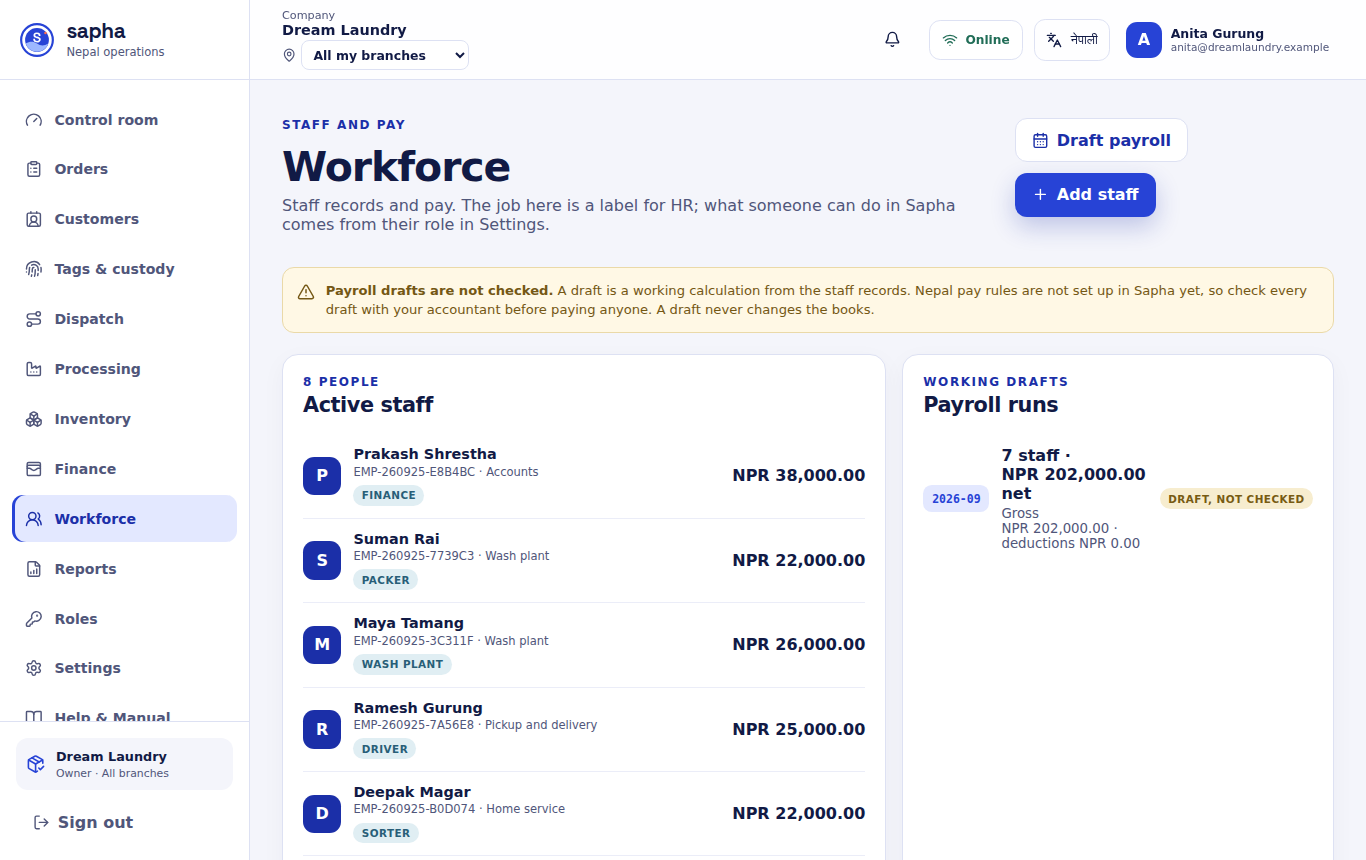
A payroll draft is a working calculation from the staff records. It does not post anything to the accounts; check it with your accountant before paying staff.