Working manual
Reports and activity
The day's operational health, money owed, every customer message, and who did what.
You are reading the manual without signing in. It describes the screens staff use; opening them needs an account, and the access on that account decides which ones appear.
What Reports shows
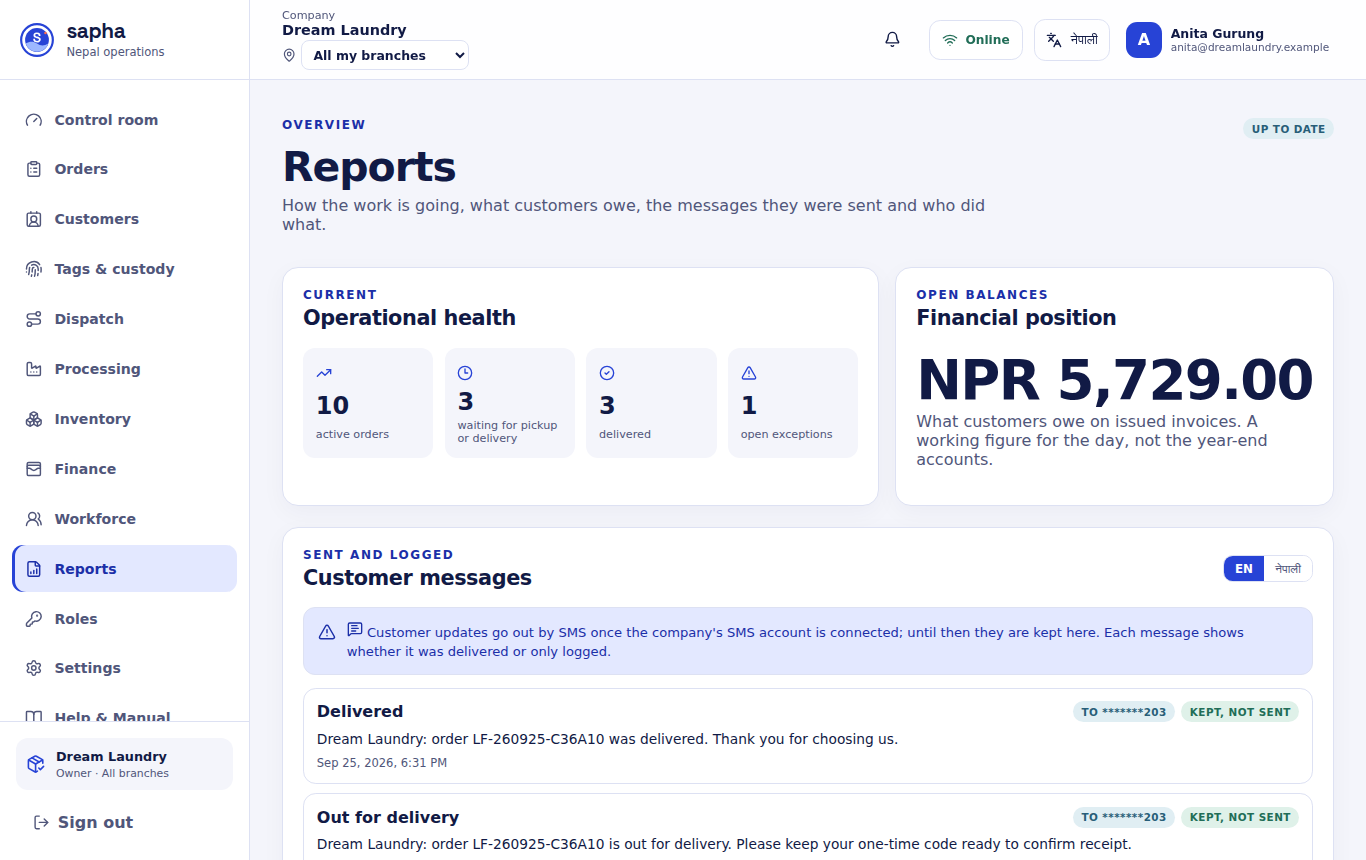
- Operational health: active orders, orders waiting to move, delivered orders and open exceptions.
- Financial position: what customers owe on issued invoices. It is a working figure from the invoices, not the year-end accounts.
- Customer messages: every order update Sapha wrote, in English or Nepali, with the customer's number partly hidden and whether it was sent or only logged.
- Activity: the latest actions across the company, with who made them and when.
Messages that would go by SMS are written and kept in this list until the company's SMS account is connected.