Working manual
Stock and supplies
Keep detergent, hangers, bags and label rolls counted, and see what needs reordering.
You are reading the manual without signing in. It describes the screens staff use; opening them needs an account, and the access on that account decides which ones appear.
The stock list
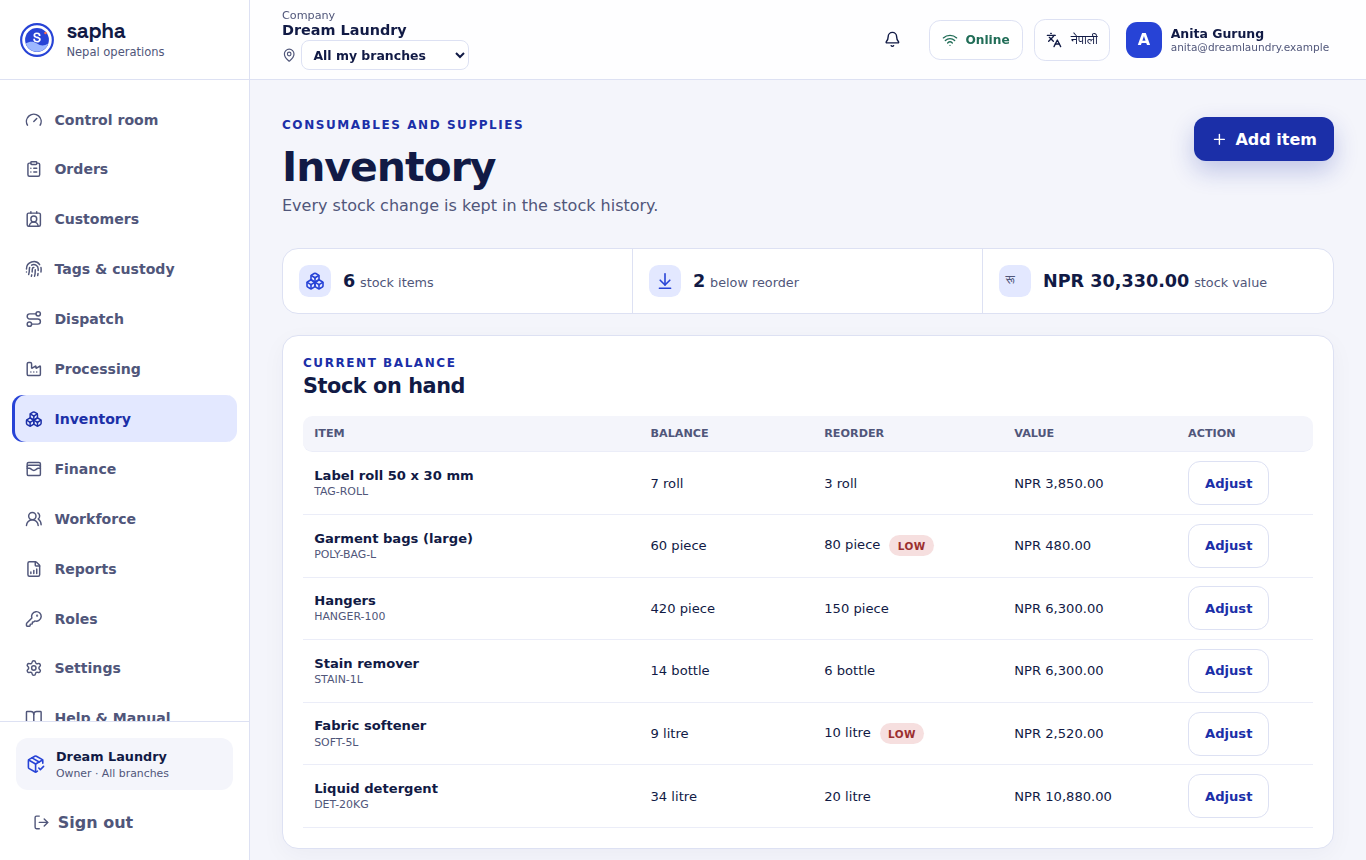
Add item records a supply with a short stock code, its unit, the quantity on hand, the reorder point and the unit cost. Adjust records a change with a reason (a delivery, or detergent used for a batch). Every change is kept; a quantity is never simply overwritten. Items at or below their reorder point are marked LOW and counted on Control room.