Working manual
What the customer sees
The tracking page behind the ticket's QR code, online payment, and order updates by notification, email or SMS.
The tracking page
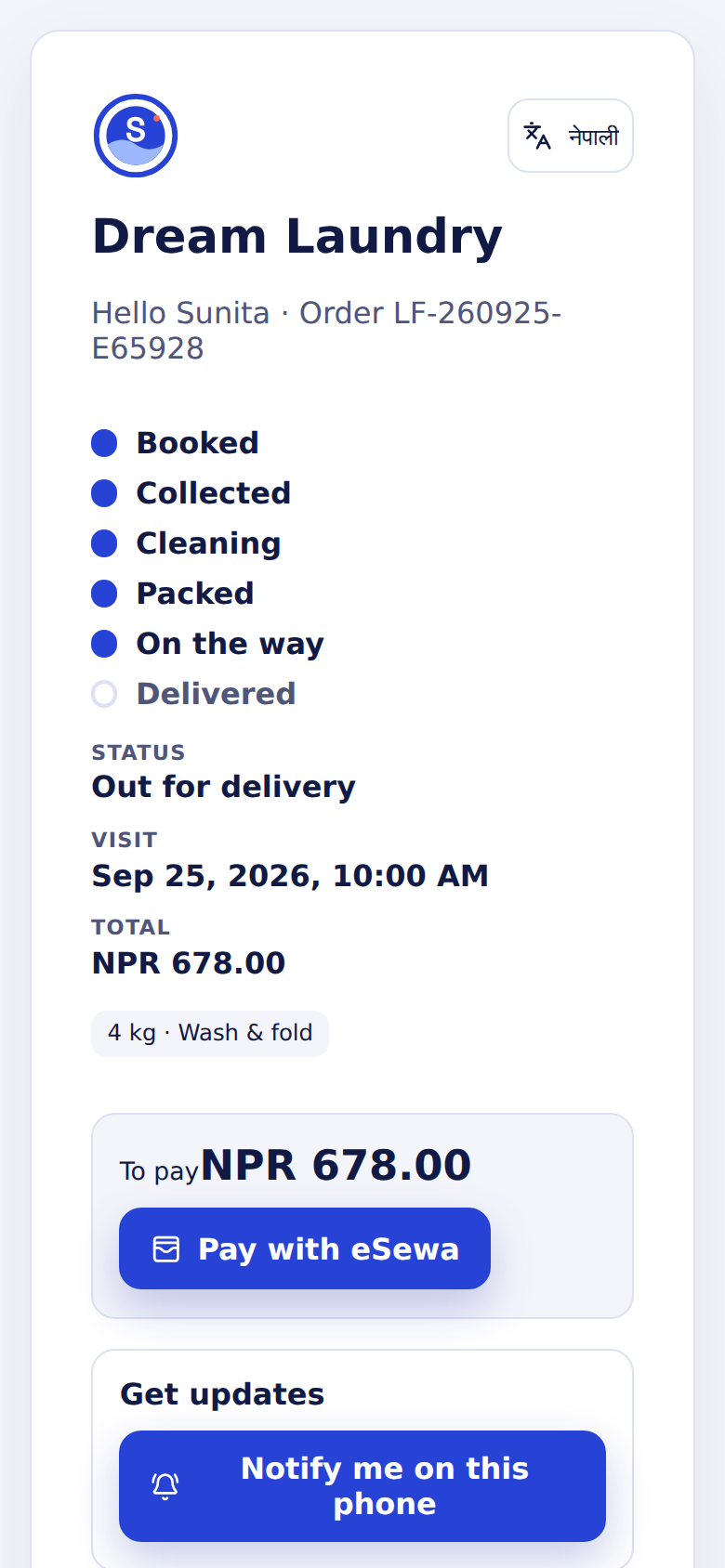
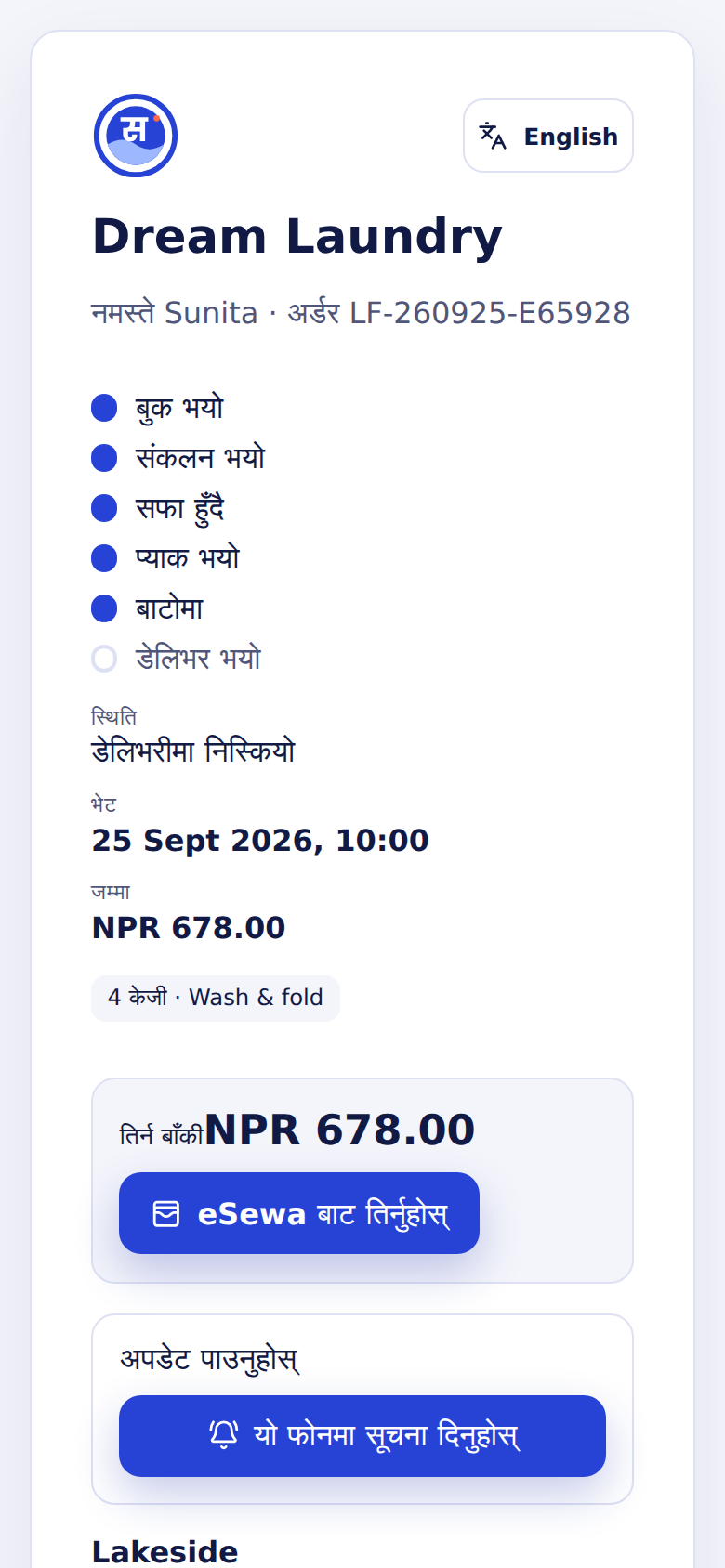
The QR code on the customer's ticket opens their order's own page, without an account or password. It shows the order's progress, the visit time, the total, what is left to pay, and the branch with a call button. A language button switches it to Nepali.
Order updates to the customer
Sapha writes a message at each milestone (booking confirmed, ready for pickup, received at the plant, packed, out for delivery, delivered), in the language chosen in Settings. The order window lists every message and its state.
| Way | How the customer gets it |
|---|---|
| Phone notification | The customer taps Notify me on this phone on their tracking page. On iPhone the page must first be added to the Home Screen. |
| When an email service is connected: to the address on the order, or one the customer adds on their tracking page. | |
| SMS | When the company has its own SMS account connected. |
Staff can turn on notifications for themselves too, with the bell in the top bar: they are told when a task is assigned to them, and managers when a custody problem is recorded in their branch.