Working manual
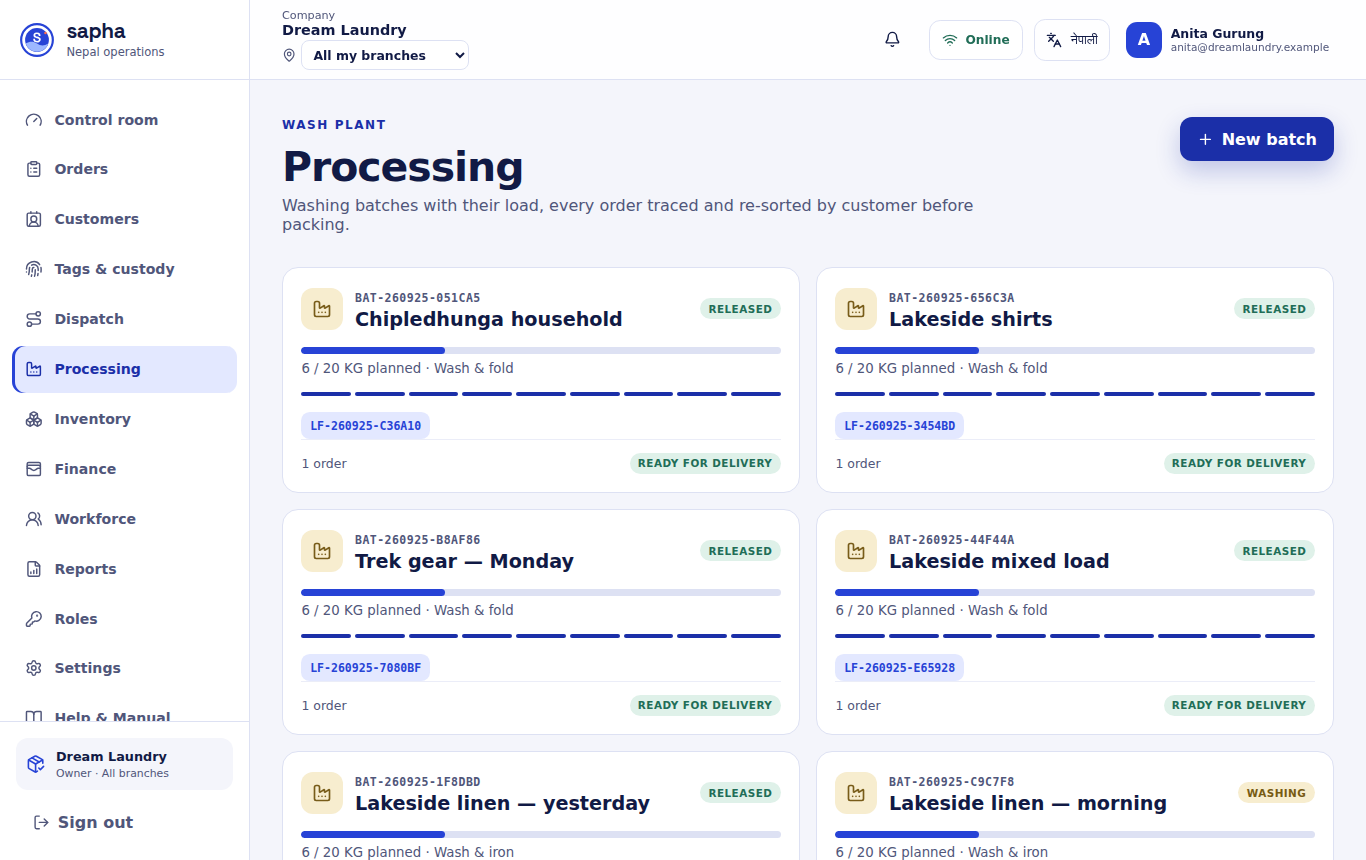
Washing batches
Put accepted orders into a batch and move it through washing, re-sorting, quality check and packing.
You are reading the manual without signing in. It describes the screens staff use; opening them needs an account, and the access on that account decides which ones appear.
Creating a batch
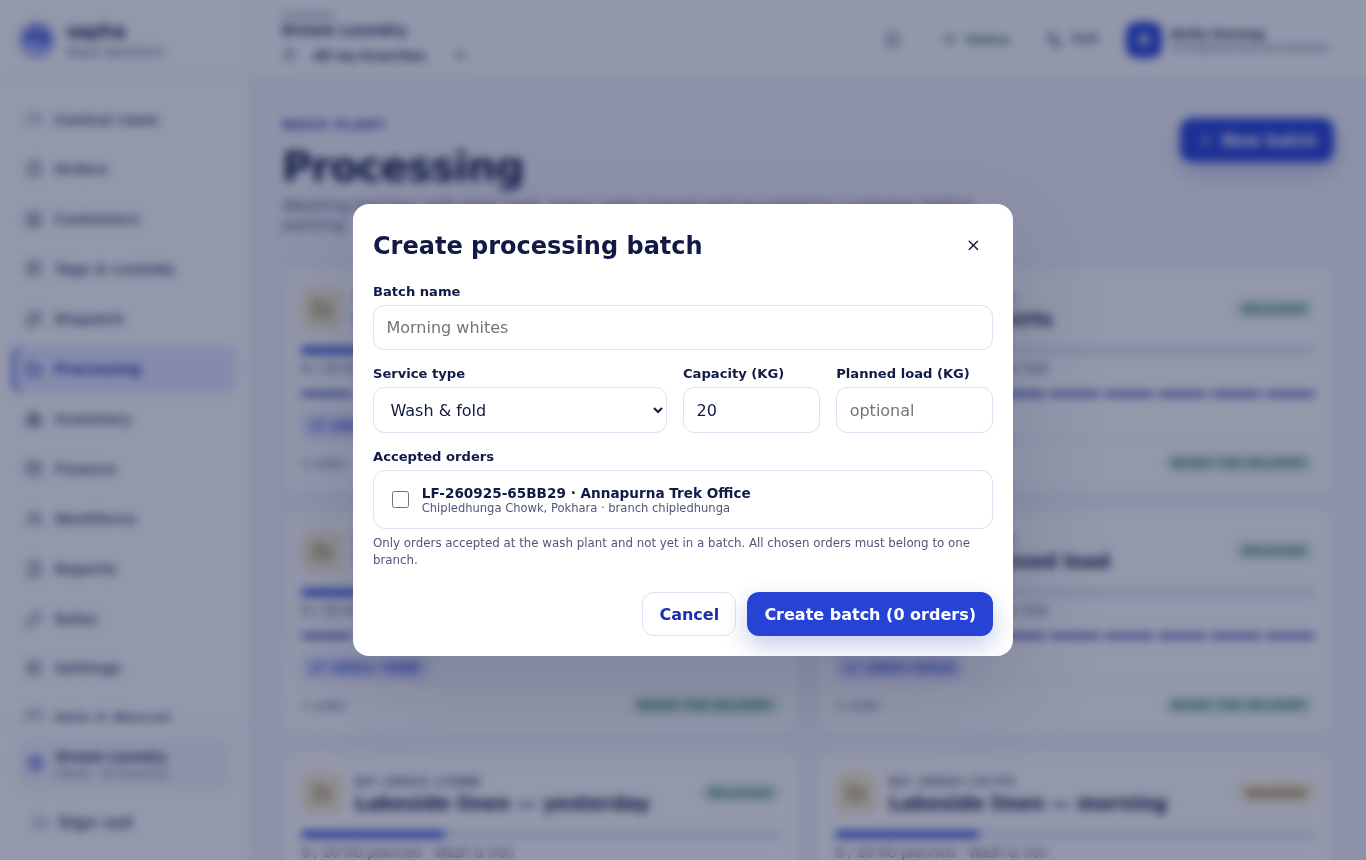
Create a washing batch
- Who can do this
- Wash plant staff, a manager or the owner.
- What it achieves
- A batch that holds one or more orders through washing, with its capacity and load recorded.
Before you start
- The orders passed facility intake and are not in another batch. All orders in a batch belong to one branch.
Steps
- RequiredOpen Processing and choose New batch.
- RequiredName the batch, for example Morning whites.
- RequiredChoose the service type and the machine capacity, and the planned load if you know it.
- RequiredTick the accepted orders that go in.
- RequiredChoose Create batch.
What should happen next
The orders move to In processing and the batch starts at Intake.
If it does not work
- An order is missing: its seals and items have not all been accepted at intake yet.
Batch stages and who moves them
| Stage | Who moves it on |
|---|---|
| Intake → Sorted → Washing → Drying → Ironing | Wash plant staff |
| Customer re-sort | Packer; then each item tag is scanned as customer re-sorted |
| Quality check | Wash plant staff; then each item is scanned as quality checked |
| Packing | Packer; then each item is scanned as packed |
| Released | Packer; the batch is finished and its orders go to delivery |